Exorcising Big Tech: The Operating System
Contents
This is the first of my blog posts detailing how I am and have been trying to remove big tech from my life. Read the introductory post first: Exorcising Big Tech. Also check out my post on switching office suites, reference managers and web browsers.
My bottom line: It has never been easier to get off of Windows or macOS, but it still takes a little bit of knowhow. If you can, switch to Linux. I only have experience with CachyOS, and my experience has been great. Mint and Zorin OS are often recommended as simple, familiar, intuitive and stable distributions.
Let’s start with the big one, the operating system. It’s a good place to start, because so many other choices stem from this due to compatibility.
The big three are Windows, macOS and Linux. Windows has steadily been getting worse both on functionality and ethics in recent years. Their recent announcement to “make every Windows PC an AI PC” is another nail in the coffin. Meanwhile, macOS fails on many of my criteria: it’s a US, big tech-run OS that is the epitome of a walled garden.
So the only real contender is Linux. Linux is perfect for my criteria. But if you’ve ever dipped your toe into the world of Linux, you’ll know it can be be quite esoteric at first glance. You don’t just ‘install Linux’, you have to choose a ’distro’, or distribution which - to be precise - includes the Linux kernel. Linux aficionados sometimes like to ‘distrohop’, where they frequently change which distro they’re using just to try new things out.
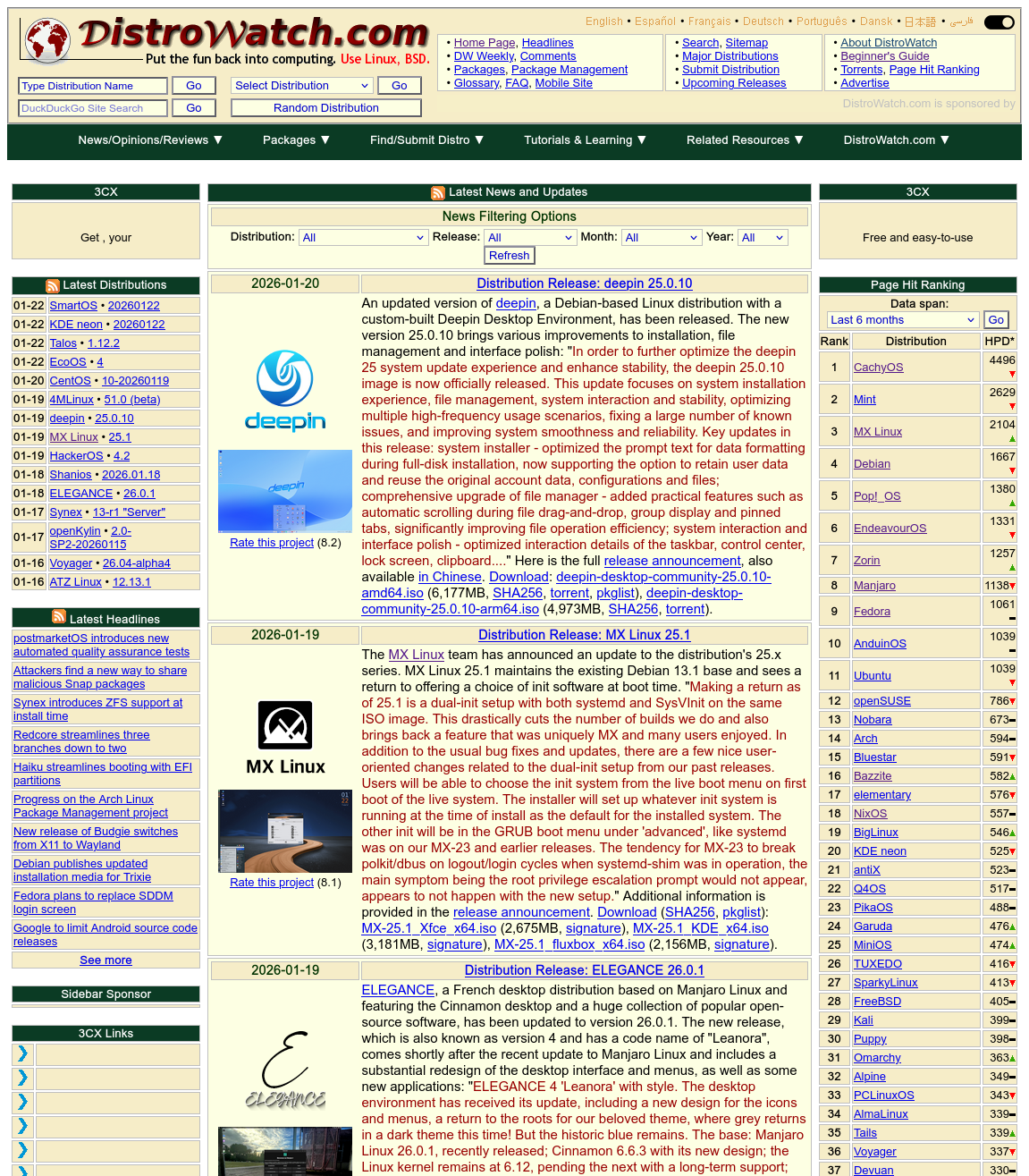
DistroWatch.com epitomises this. Looking straight from the 90s, it is a hub of information on the many possible distros you can choose. It even has a ranking of distros based on page hits.
The main choice to make is what you want out of your OS. Distributions are divided into a number of ‘families’ based on certain landmark distributions and their derivatives, but it’s better to focus on what your goals are rather than the names. But some of the major families you might hear about are Ubuntu, Debian, Arch, Red Hat, Gentoo, Slackware.
Tinkerers: Arch (and derivatives)
For those who want control and flexibility and aren’t afraid of using the command line at least a little. Arch, and its derivatives (such as CachyOS – my choice – EndeavourOS and Manjaro), is what’s called rolling release distributions. Instead of waiting for the stable versions of updates to be rolled into a system update, users can get and apply every update to every part of their system as soon as they’re released, from graphics drivers and kernel updates to updated themes and fixed typos.
That also means it’s known for breaking fairly often. There are many features to mitigate this, such as frequent and automatic snapshots made by Snapper, but Arch-based systems therefore expect the user to be ready for things to go wrong, because they will. If you like tinkering with your computer stuff, you will enjoy Arch-based distributions. If you just things to work and for the OS to get out of your way, you will hate it.
“Oh god can it please just work”
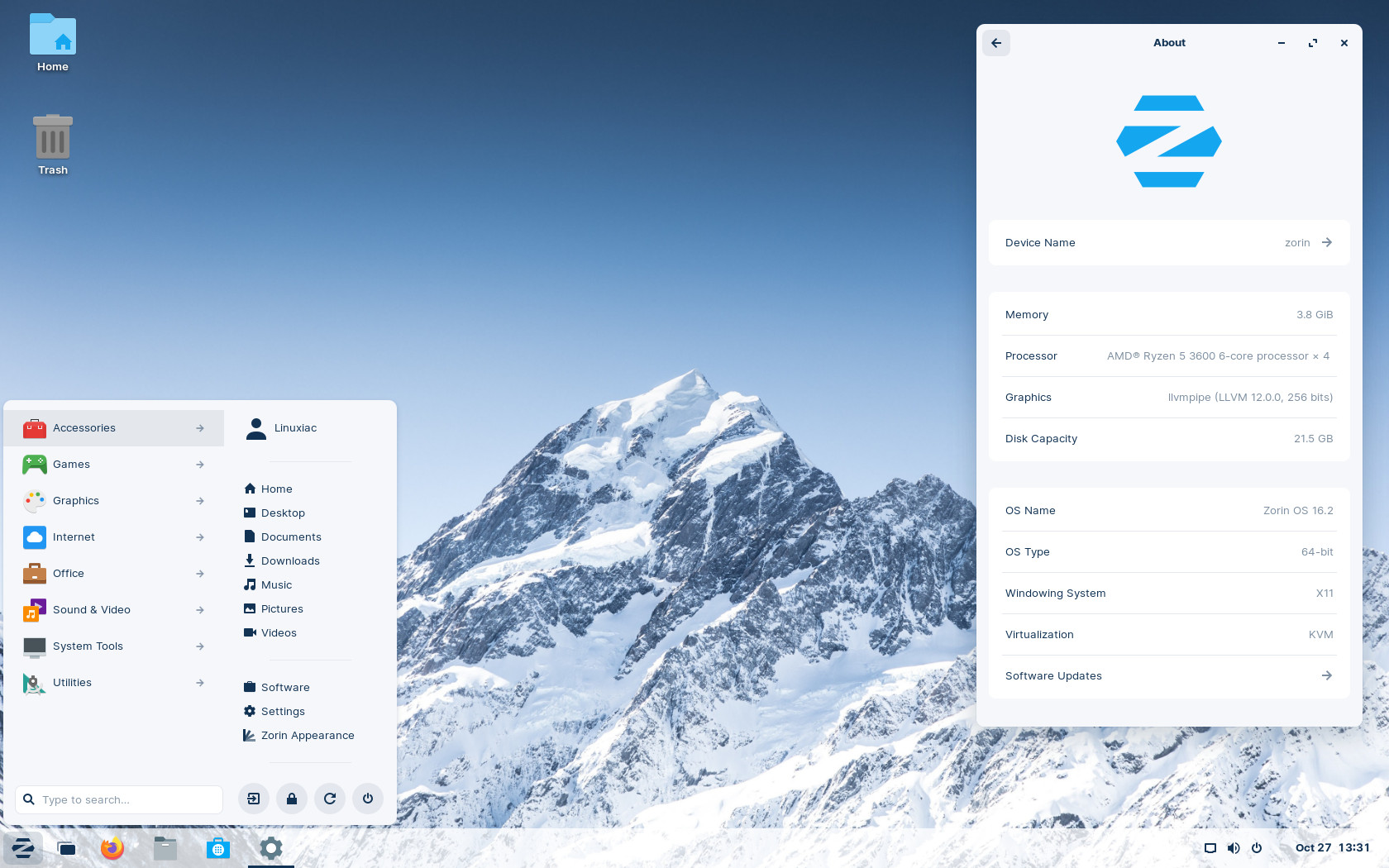
If you want to switch to Linux but you don’t want to fiddle with the command line too much, there are plenty of options too. Whether you’re coming from Windows or macOS, there are also choices that intentionally mimic those interfaces, so it will be a familiar experience. Zorin OS, for instance, is explicitly targeted at new Linux users coming from Windows. Mint is also a classic recommendation for this vibe. Bazzite is one aimed at gamers.
Desktop environments
Whichever you choose, know that the distribution and the desktop environment are separate things, unlike in Windows and macOS. (Well, they are separate, but you don’t get a choice.) Two popular ones are the Windows-esque KDE Plasma and the macOS-esque GNOME. These will make your computer look and feel like Windows or macOS respectively (before customisation, if you are so inclined), but can be installed on many different distros.
We could also get into window managers, which are a separate thing again, but, then again, we could also not.
Making the leap
The scariest part is switching from Windows to a Linux distro for the first time. A lot will be unfamiliar. But it’s made significantly easier these days by cloud storage. Make sure all of your important files are on your cloud storage, and make sure that that cloud storage either works on Linux or, at least, has a web app. You can stay on OneDrive for now, for example – I’ll write about how I transitioned off of that and to Filen in another post. Preferably back up for important data physically as well, just to be sure.
Once you’re sure your important data is safe, dive in. Pretty much all distros will have a step-by-step installation guide. Usually you’ll need to put the distro setup on a USB drive, then boot via that.
“I still need Windows for some things”
The main choice to make from here is whether to dual-boot or not. Dual-booting means having both OSes installed at the same time. Then, with a boot loader like Limine (which comes preinstalled or as an optional install in many distros), when you start your computer up you’ll get a menu of your installed OSes and you can choose which to boot up.
Dual-booting is recommended if you will quite frequently need access to Windows, and especially if the Windows things you need access to can’t be run on a virtual machine. For example, if you play certain online games with kernel-level anti-cheat technology, those won’t work on Linux or a virtual machine.
If you only occasionally need to use a Windows program, and it can run on a virtual machine (you might need to research that), then you may not need to dual-boot and you can instead look into setting up a virtual machine with Windows. I use Oracle VirtualBox for the moment (although that is proprietary big-tech software: I want to move to something else).
My experience with CachyOS
Hipster that I am, I chose the most popular distro at the moment. CachyOS is an Arch-based distribution, so it’s more of the tinkering variety, which suits me. CachyOS has a lot of optional features that make it not as scary as a stereotypical Arch distribution.
For example, to update everything, I click on a little icon in my taskbar and it opens the updater.
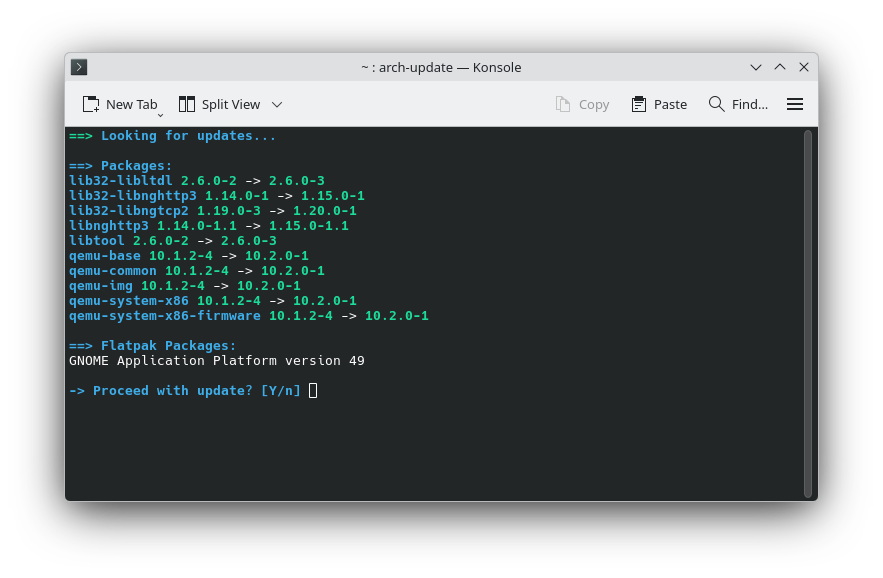
It tells me what packages have updates, and I just have to press ‘enter‘ and type in my password. Installing apps is also shockingly easy, once you get the hang of it. For example, to install Firefox, I would just have to open the command line and type sudo pacman -S firefox. Once you’re used to the syntax (sudo means using admin privileges, pacman is the name of the package manager, -S means ‘sync’ and firefox tells it what package to sync with), it feels like cheating. Instead of what I’d do on Windows – navigating to the website, finding the download page, downloading the installer, opening it, navigating through the options – I effectively just type install firefox and, like magic, it happens. Package managers like Pacman also keep track of all the dependencies that each piece of software needs and so can pool them. There is no equivalent to that on Windows, and the result is that every installer brings all the dependencies along with it, inflating the size.
That’s the most significant day-to-day change, really. Everything else is more or less the same, once I have my apps. But CachyOS is faster and snappier than Windows, and much more customisable. With that said, things can and do break, and if that happens at an inopportune time, it can be frustrating. I’ve had my network adaptor break, leaving me searching on my phone for solutions and and how to reinstall the drivers, for example. I haven’t had any of the catastrophic errors that people worry about with Arch – yet, at least. The kind where you update your Linux kernel and it breaks everything. Snapper, in theory, should mean that nothing that bad can happen to my system, since I can always roll back.
While a lot of my software choices stem from the choice of OS, the rest of my day-to-day experience is more specific to the application, like an office suite, so I’ll cover those in different posts. The bottom line is this: it is easier than ever to leave Windows. Some of the major advantages of Linux, like its customisability and the variety of distributions, are also the biggest barrier of entry. It’s overwhelming if you aren’t innately interested in that kind of stuff.
If that’s you, but you still really want to get off of Windows for ethical purposes, probably go with Mint. Otherwise, stick with Windows or macOS, but look to change out the other parts of your software suite.